


Keep track of your medications
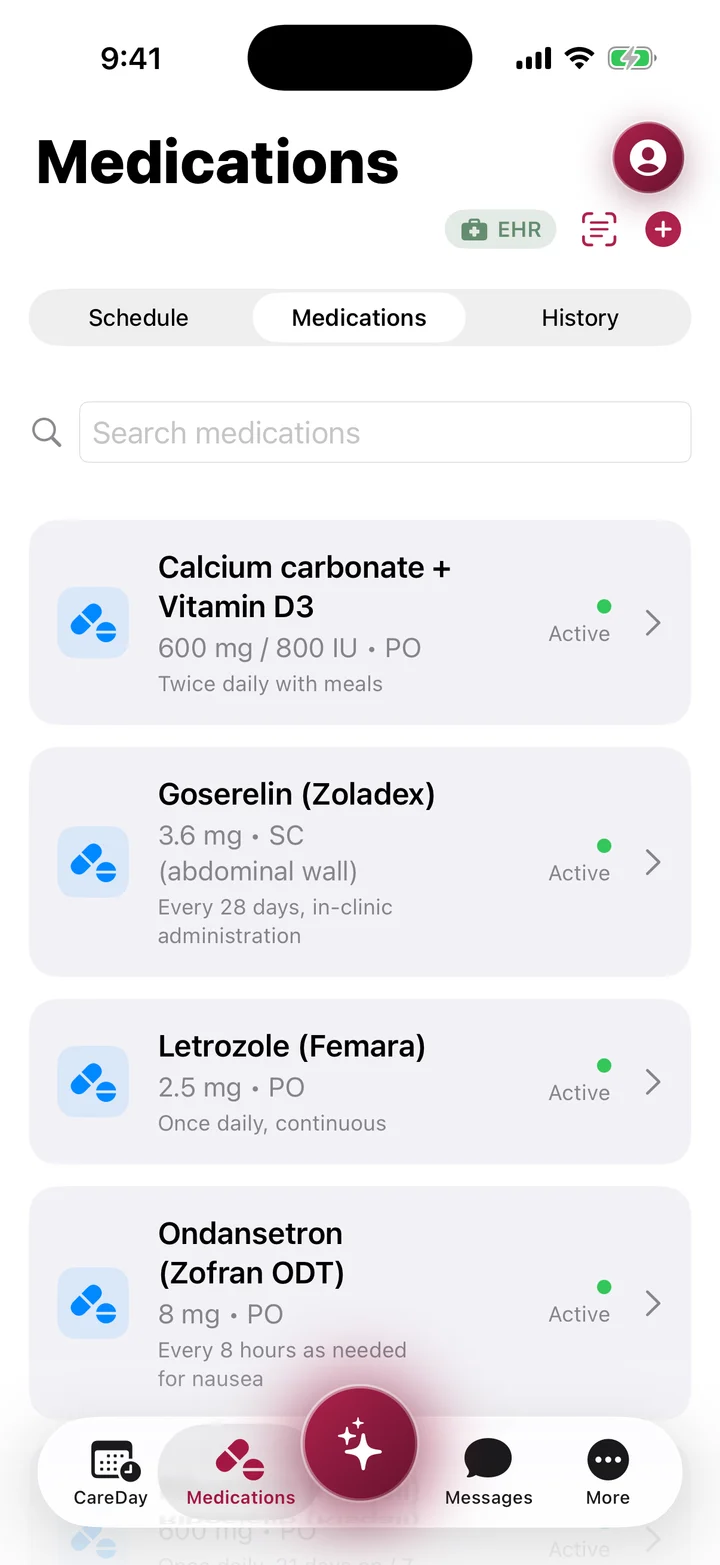
Log each medication when you take it. Scan a prescription label, view your schedule, and review your list with your care team.
MyBC Health is in development and is not yet available to patients.
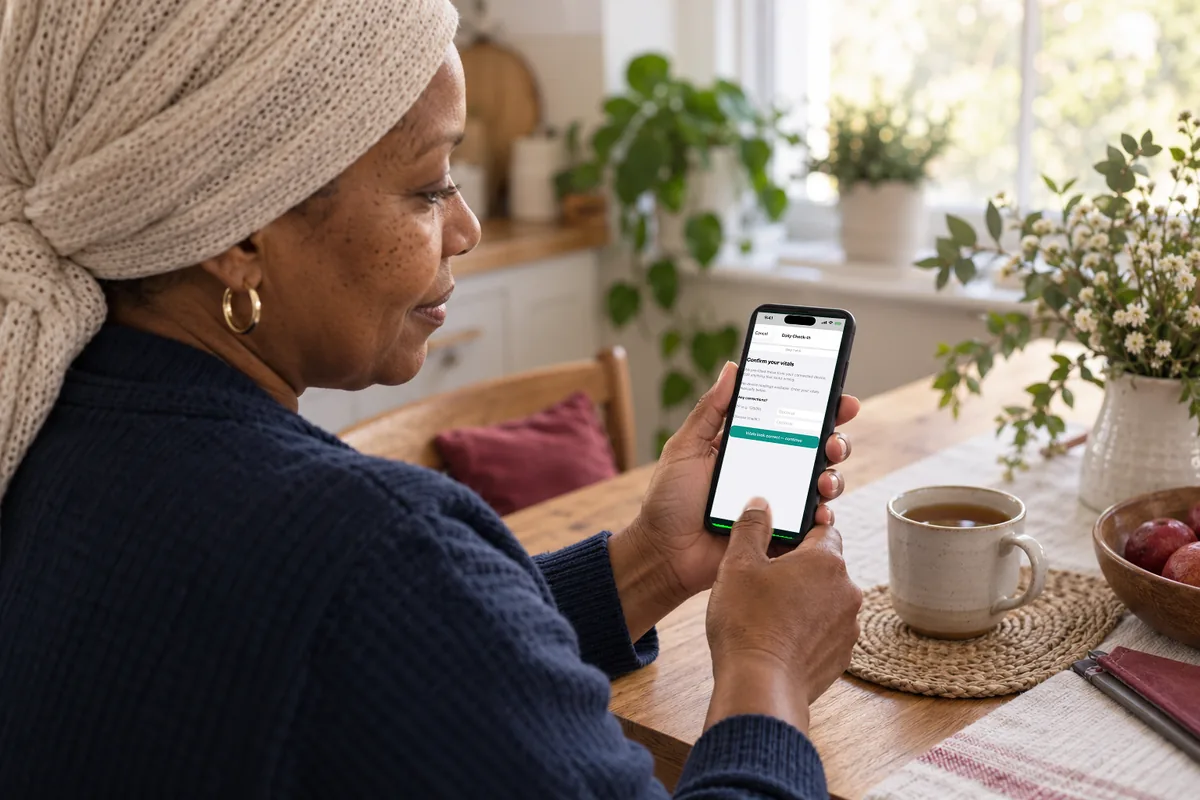
Breast cancer care at home
MyBC Health keeps your symptoms, medications, and readings from your watch or wearable in one place. You choose what your care team sees, so your next visit starts with what happened, not just what you remember.
Get the
Log each medication when you take it. Scan a prescription label, view your schedule, and review your list with your care team.

MyBC is being designed around the format cancer doctors already use, so your symptoms can go into your chart as clear data instead of loose notes.
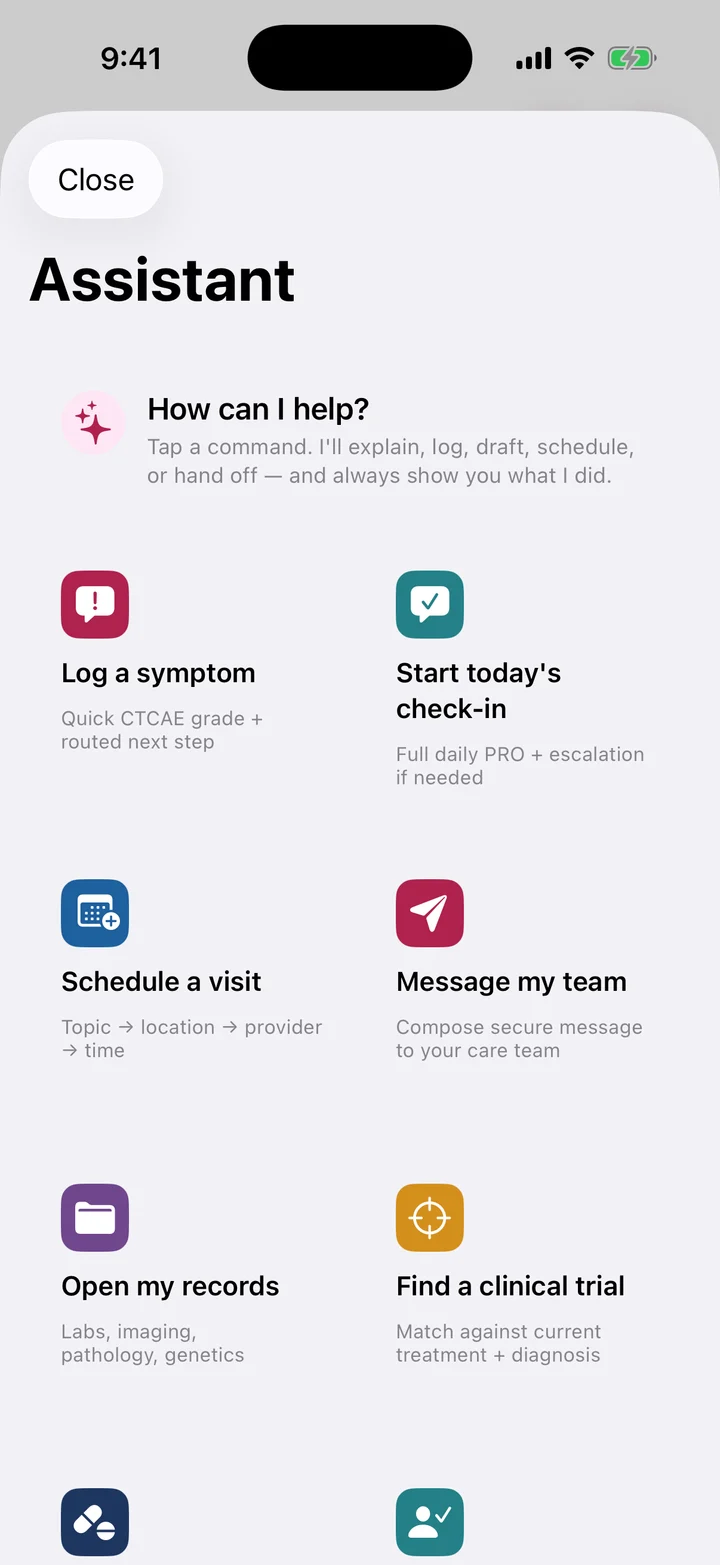
Ask about your medications and how much you take, what a lab result means, or when your next appointment is. Answers come from your own record in MyBC.
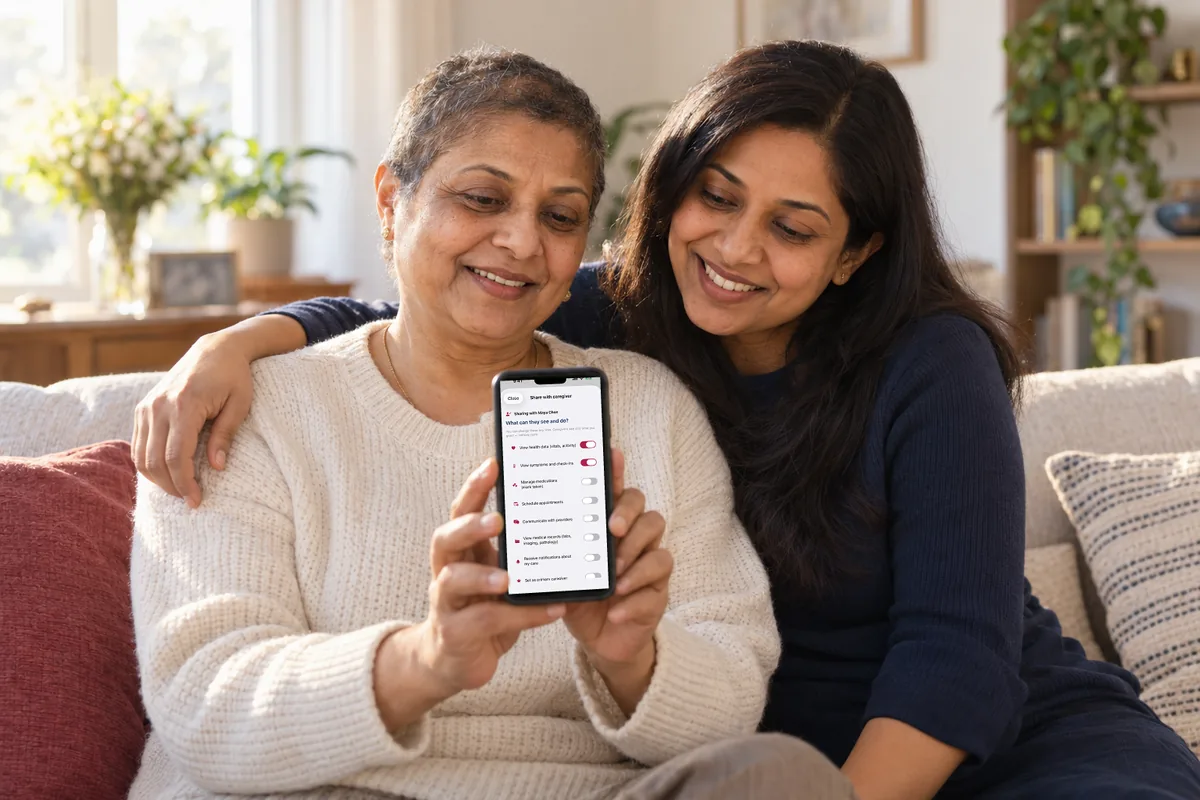
Invite a caregiver or family member and choose what they can see. You can change their access at any time.
Designed to work with your existing patient portal, without adding another separate app.
MyBC Health is designed to connect your patient portal, your watch or wearable, your pharmacy, and your genomics report. Today, these do not share information with each other.
See the architecture
W-BCOG is MyBC’s estimate of how well you are managing everyday activities. This is the same measure your cancer doctor uses (ECOG performance status). It uses the last 14 days of readings from your Apple Watch and your own answers. It weighs six inputs and shows no score when there is not enough data. Support for other watches is being built.
The score follows fixed rules (version rule-based-ts-1.0.0). At least seven of the 14 days must have 60% or more of the expected data. Otherwise, it shows no score.
Built for home life during treatment
Your watch or wearable readings, symptoms, and medications are in one record, with a log of every change.
Sample data. These charts show how the app is designed, not real results.
Designed to read your heart rate every day from the watch or wearable you already have, not just at clinic visits.*
Estimated from 14 days of readings, with a range showing how certain the estimate is.
Logged when you take them.
W-BCOG combines six health readings collected over 14 days. If there is not enough data from at least seven of those days, it shows no score.
You decide who joins and exactly what each person can see.
Your care team handles prescriptions, diagnoses, and medication changes, rather than the assistant.
While you sleep, your watch or wearable measures heart rate variability (the small changes in time between heartbeats), skin temperature, and how much of your time in bed you spend asleep.*
Every device
You see the same record on any device you pick up. You decide who else can see it.
Log a symptom, mark a medication as taken, and view your week on iPhone, Android, or the web. Steps, heart rate, and sleep come from Apple Health on iPhone and Health Connect on Android.*
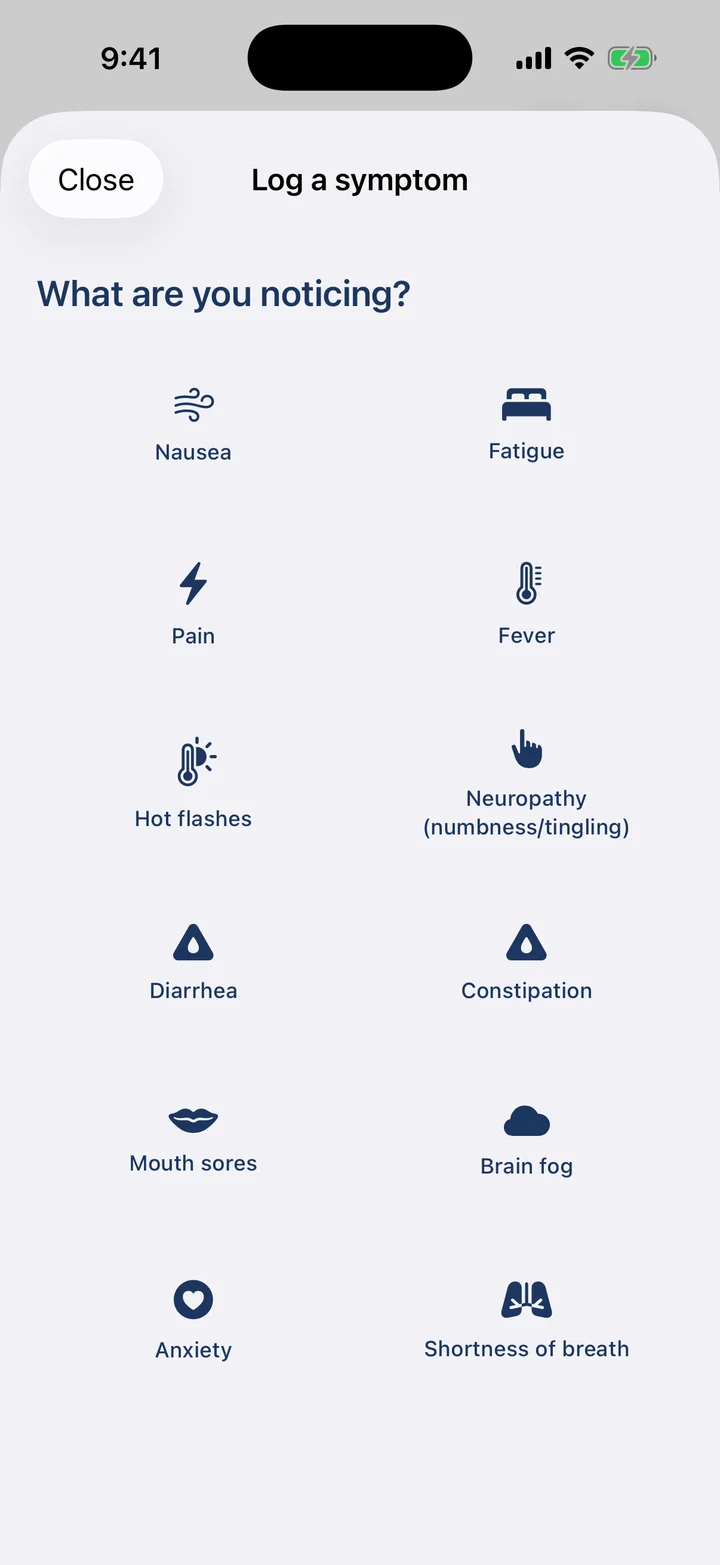

The app uses your phone’s text size. A Spanish version is being built. Some screens are not translated yet.
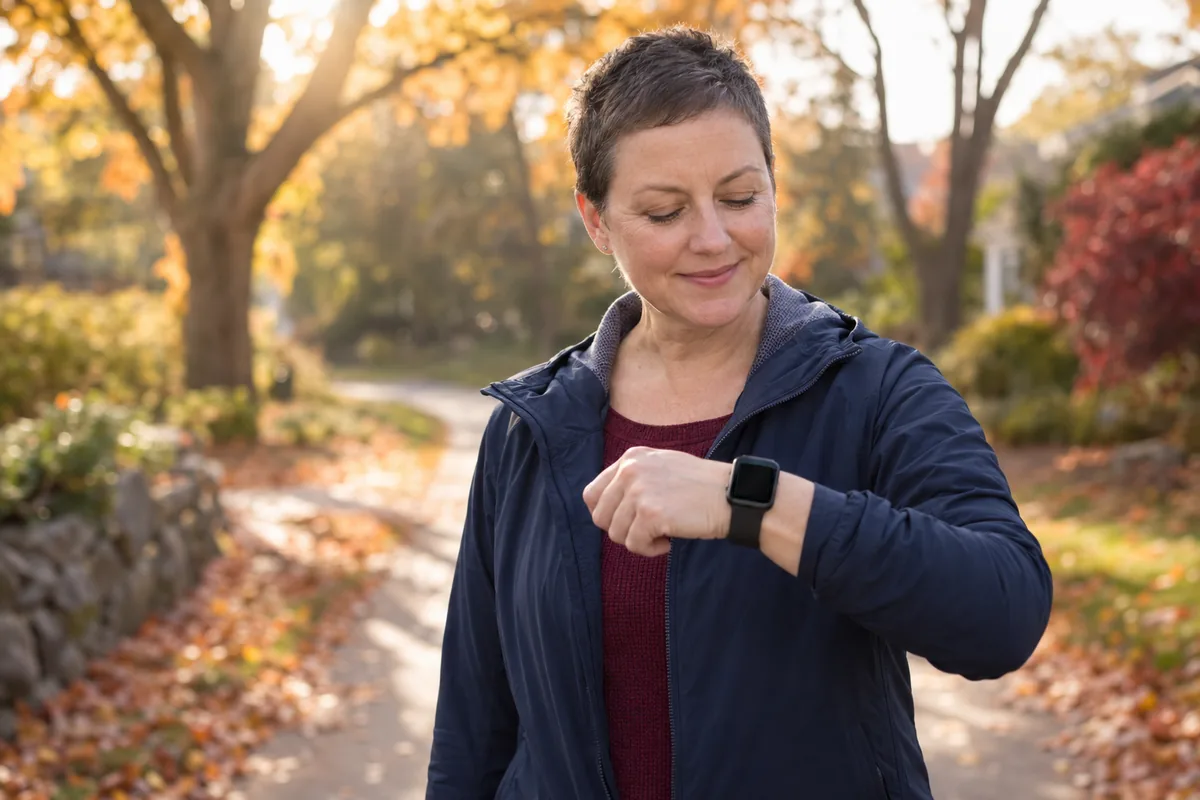
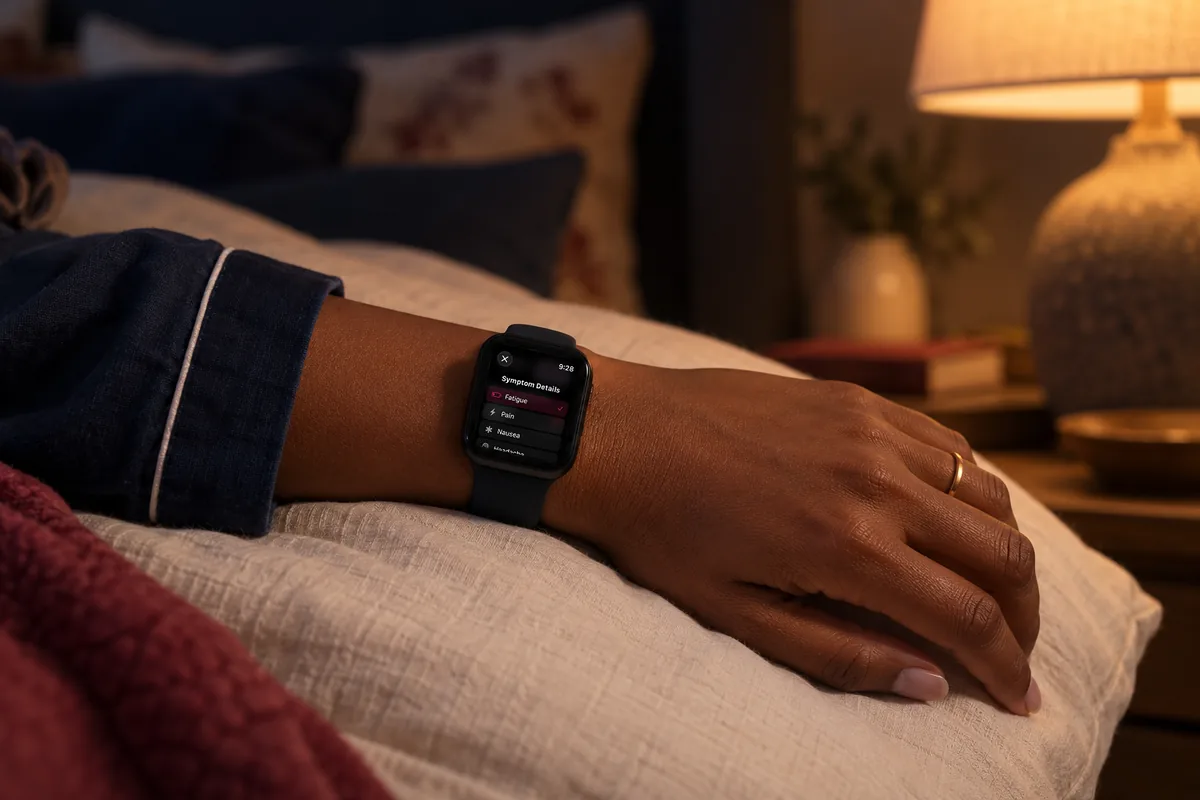
Use the MyBC watch app to log a symptom from your wrist as soon as you notice it. MyBC is also being built to connect other watches and fitness trackers, whatever the brand, and match their readings with your symptoms, medications, and appointments over time.


Your choice
Before you start, the app asks you to accept the terms, the privacy policy, and health data sharing. Each has its own switch. Later, you choose who else can see your record.
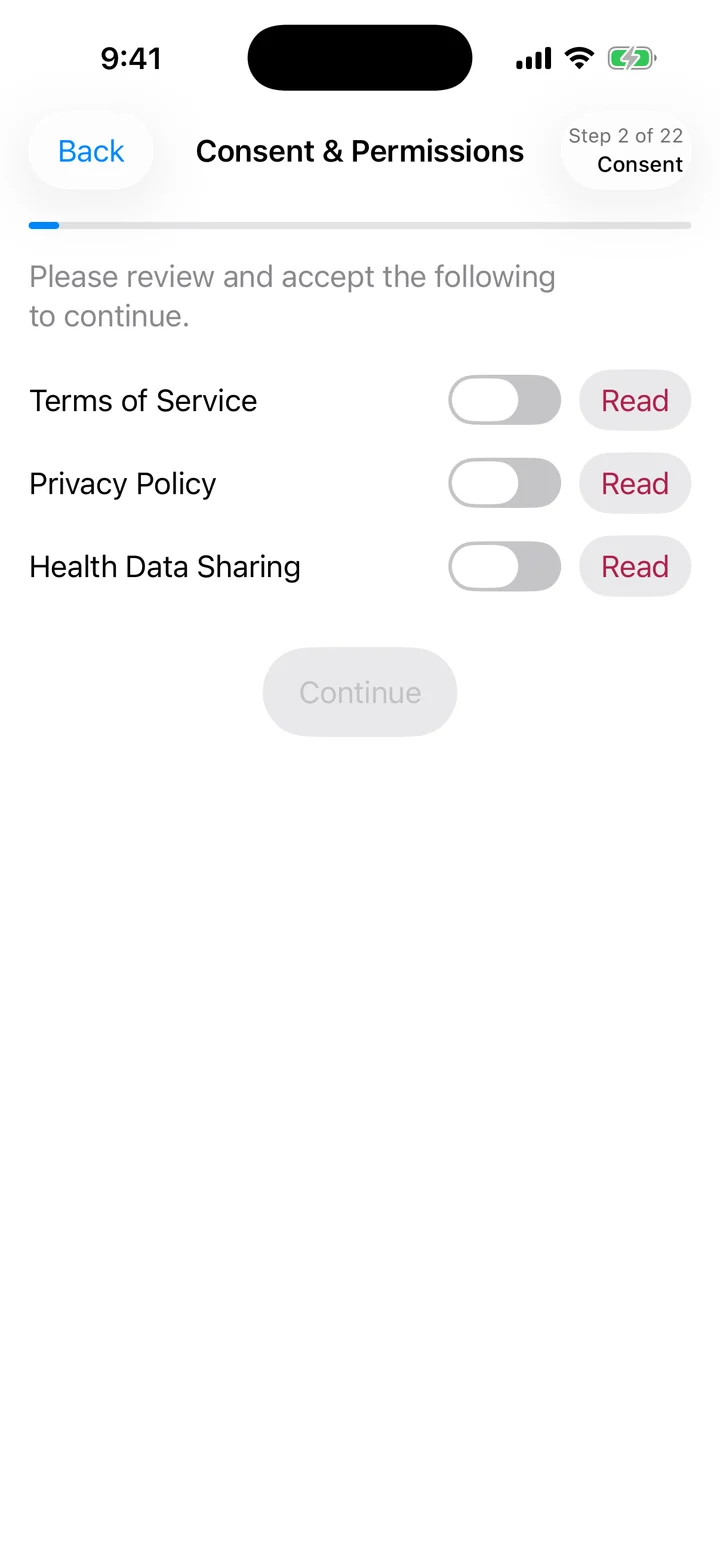
Each document has its own switch and a link so you can read it first.
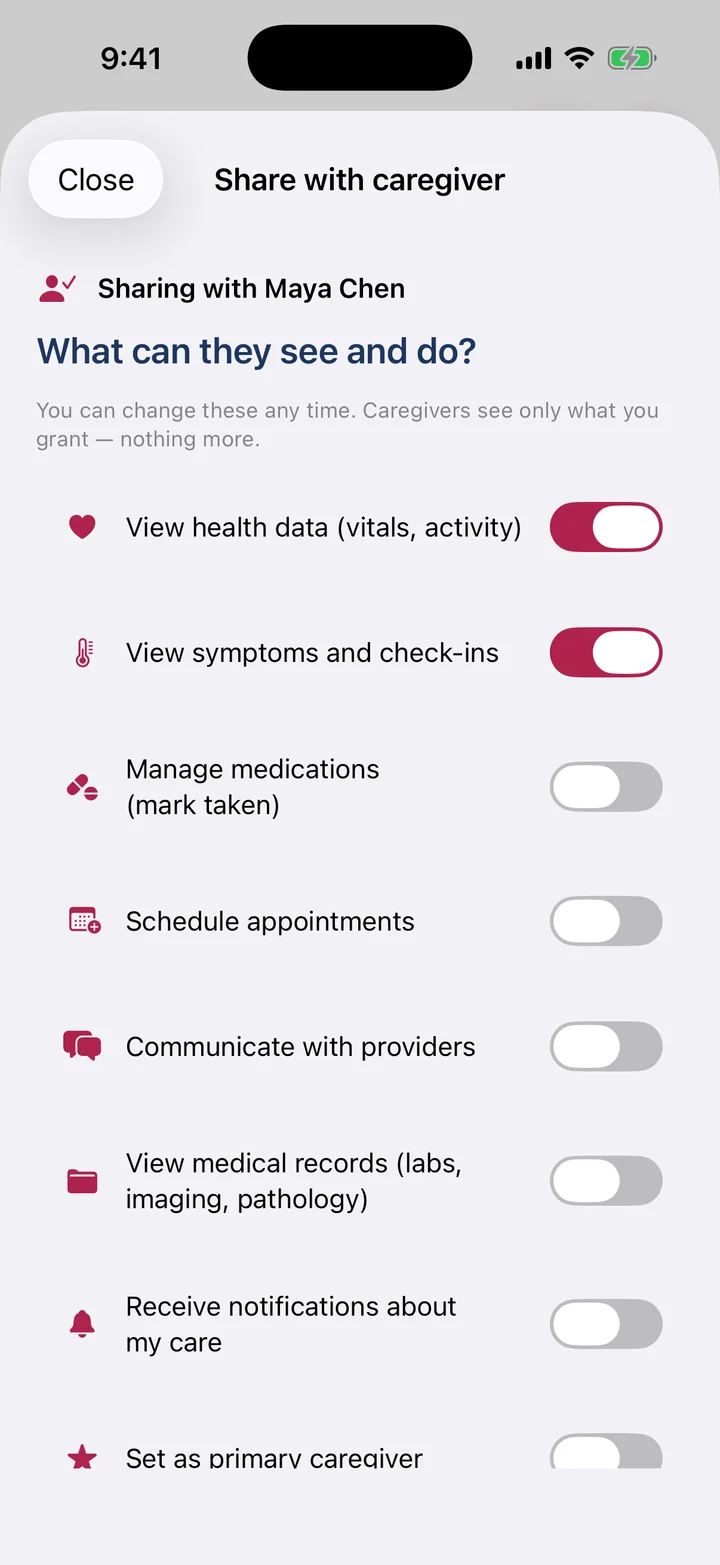
Add the people who help you and remove them whenever you like.
Works with what you already use.
Your phone, your watch, and your care team’s tablet or computer all use the same record. You do not need to export anything or use a second login.
Medications
Log a symptom
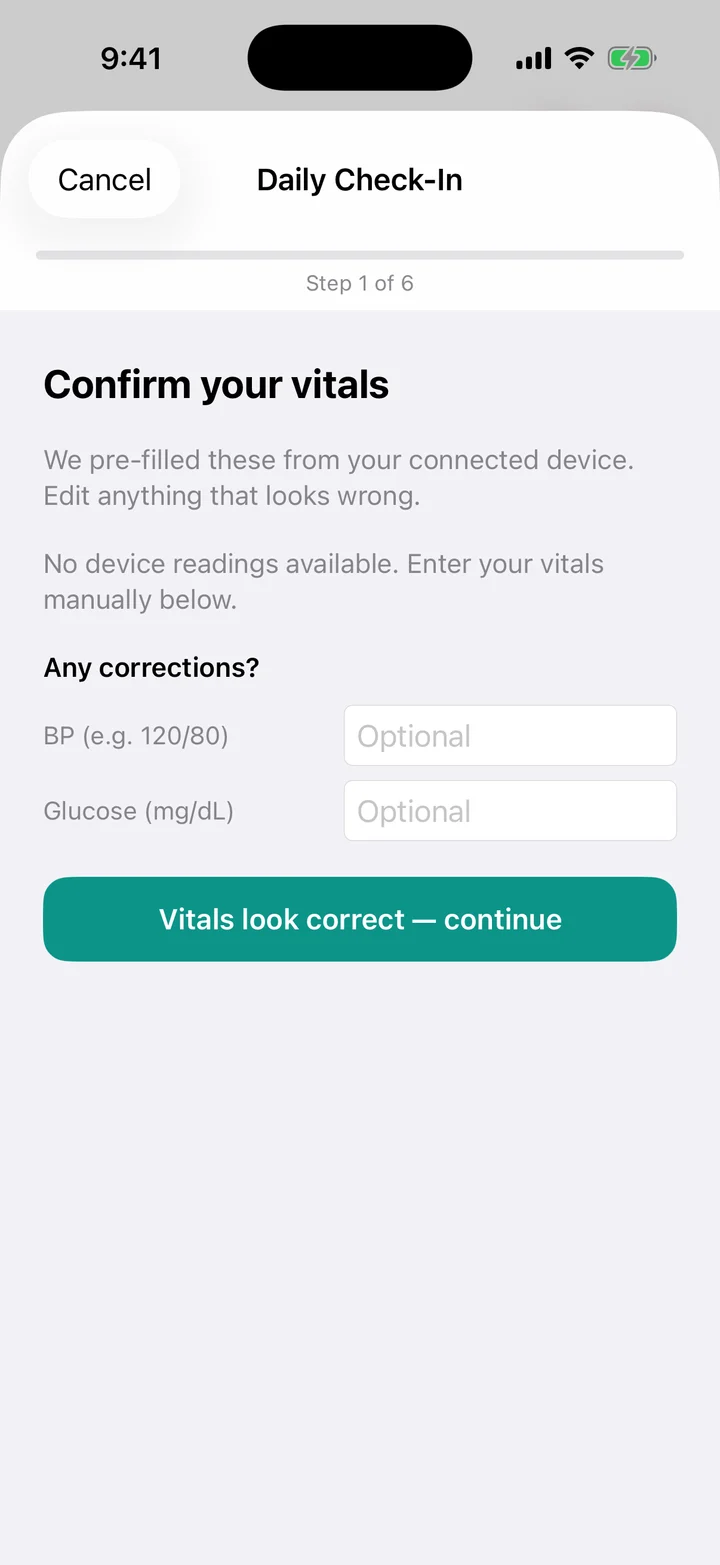
Daily check-in
Sharing
A symptom at 3am goes into the log at 3am. At your next visit, it is there just as it happened.
Your care team usually asks how you are managing once a month during a short conversation. MyBC estimates the same thing using two weeks of your steps, active hours, sleep, resting heart rate, how tired you feel, and your own rating.
The estimate uses fixed rules rather than a model that learns. MyBC’s servers calculate it from what your phone and watch send. It is investigational and has not been cleared by any regulator.
MyBC is being built to remove details that could identify you before your question reaches the AI. More checks are being added to catch wrong or off-topic answers. A final check removes anything that sounds like a prescription, a diagnosis, or a medication change. For questions about your medications, it directs you to your care team.
We do not use health data that could identify you to train general-purpose AI models.
MyBC is being built to connect with your hospital’s medical record using the same standards other health apps use.
MyBC is not connected to any hospital record today. Data will not be sent back to a hospital record until the hospital’s agreements are in place.
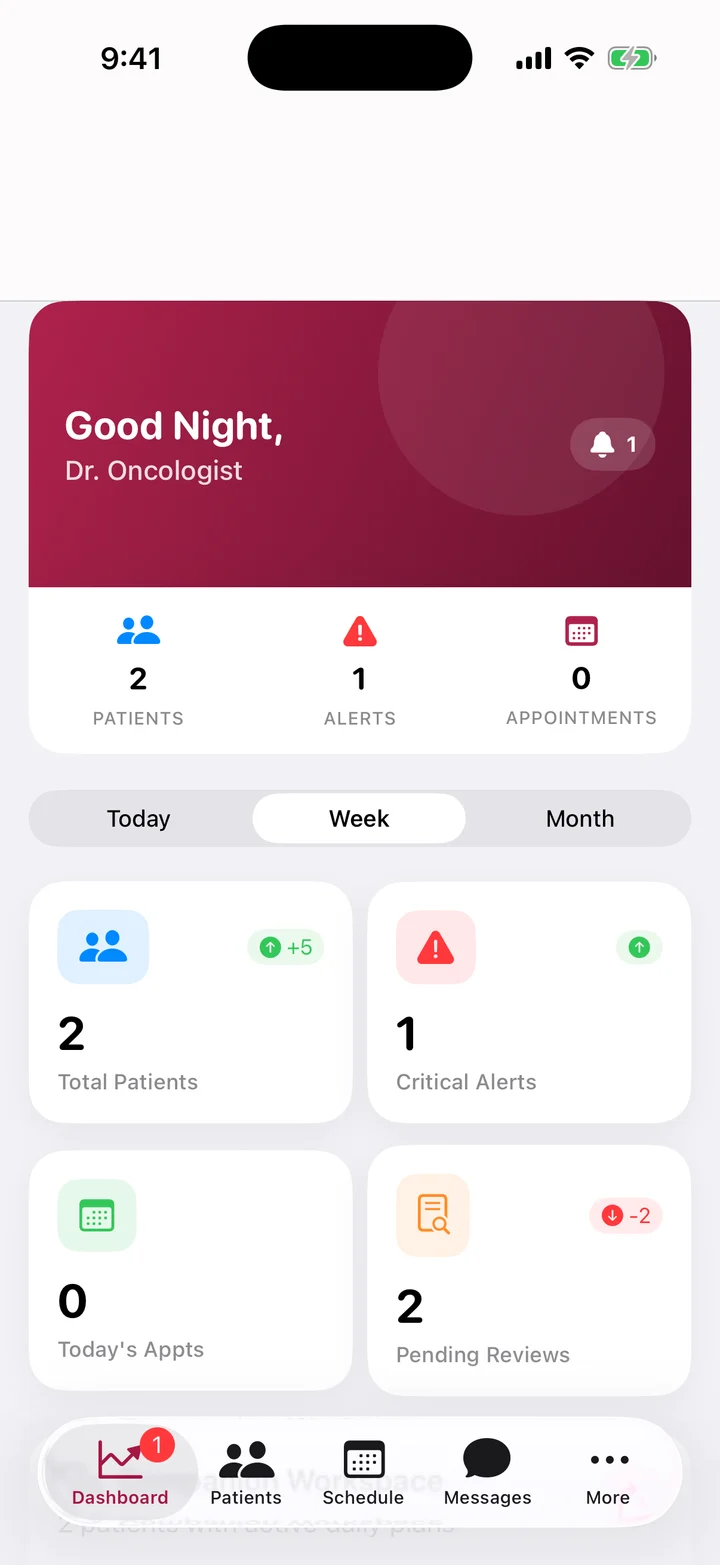
Built for the clinicians who treat you, too.
MyBC is designed to point out gaps in care and name the guideline behind each one. Clinicians approve, decline, or change each suggestion. Every step is logged.
Clinicians can ask about a treatment guideline and get an answer with its source and a grade showing how strong the research behind it is. Checks for medications that may not mix well are built in.
The person who drives you to appointments can keep track of your medications in their own view, which shows only what you allow.
That is where most of what matters happens, out of sight of a clinic visit. Everything MyBC records is there to help you and your care team make a better decision next time.
See how it worksHelp with the parts of cancer care you often have to manage on your own.

Track swelling, record when you wear your sleeve, and spot changes early.

Log each cold-cap session and know what to expect during each chemotherapy cycle.

Track memory and focus problems so you can show your care team what the fog feels like.

Learn about your options for preserving fertility and when to decide, before treatment starts.

Understand a bill, estimate what you will owe, and find help you qualify for.

Resources for Black, Latina, Asian American, Native Hawaiian and Pacific Islander, Native American, LGBTQ, rural and veteran communities.

What the evidence says
We reviewed 71 published papers on digital tools for cancer care, looking for five features. None of the 42 studies of individual tools reported more than three. AI or clinical decision support appeared in 7 of the 71.
Studies reporting each feature · n = 71
No study reported more than three of the five features. AI or clinical decision support was the rarest.
Limitations of this review: The review was not registered in advance. One reviewer screened the papers and collected the data. A later check confirmed the paper identifiers, not the judgments. The team building MyBC did the review. Its table of tools has 19 rows describing 16 tools, so the figures here count studies, not tools. MyBC appears once in that table, based on a developer fact sheet. That row is not evidence that MyBC has these features.
Safety
Getting access
We plan to offer MyBC through a cancer clinic first, so your own care team is usually the fastest way to get it. If they do not offer it yet, tell us who they are and we will contact them.
Ask your oncology team if they use MyBC. If they don’t, send us the practice name and we’ll follow up with them directly.
Name your clinic
support@mybchealth.comPlease don’t put health information in an email.
See how MyBC would work for your patients and what it would take to connect it to your EHR.
Request a walkthrough
partners@mybchealth.comPlease don’t include patient health information.
How this website handles your information.
Ask about privacy
privacy@mybchealth.comPlease don’t put health information in an email.
Each button opens your email app. If your organization blocks it, copy the address instead.
See how MyBC works, what it records and the limits it keeps.
If you allow it, we use Google Analytics to count which pages people read. It sets cookies and tells Google which pages of this site you open, on what kind of device and roughly where. We don’t use it for ads.

